
A power outage does not just turn off the lights when you work from home. It can cut off your internet, interrupt client calls, shut down monitors, leave a laptop battery counting down, and put an entire workday at risk. The best generator options for remote workers depend on what you need to keep running, how long outages typically last, and whether losing power for even an hour creates a real problem.
For some remote professionals, a compact battery backup is enough to finish a call and save their work. For households that depend on reliable connectivity, refrigeration, heating or cooling, and home-office equipment, a permanently installed standby generator is the more dependable answer. The right choice is not about buying the biggest unit available. It is about building a backup power plan that protects the systems your household and work life cannot afford to lose.
Start With the Workday You Need to Protect
Before comparing generator types, think through what happens in your home when utility power fails. Your office equipment may be modest: a laptop, two monitors, a modem, router, phone charger, and desk light. But those devices only work if the electrical systems supporting them are also available.
If your internet service provider has local backup power, keeping your modem and router on may be enough for a short outage. If your connection depends on a neighborhood node that loses power, an office-only backup will not restore your service. The same is true of cellular backup. It can be useful, but local tower congestion during a storm may make it less reliable than expected.
Then consider the rest of the house. In a summer outage, you may need air conditioning to safely work from home. In winter, a furnace blower, boiler controls, or well pump may be essential. Refrigerators, sump pumps, medical equipment, security systems, and garage doors all change the size and type of backup system that makes sense.
A professional load assessment turns these concerns into a practical plan. It identifies what must run, what can wait, and how much power is required when motors and appliances start.
Battery Backup: Best for Short Interruptions
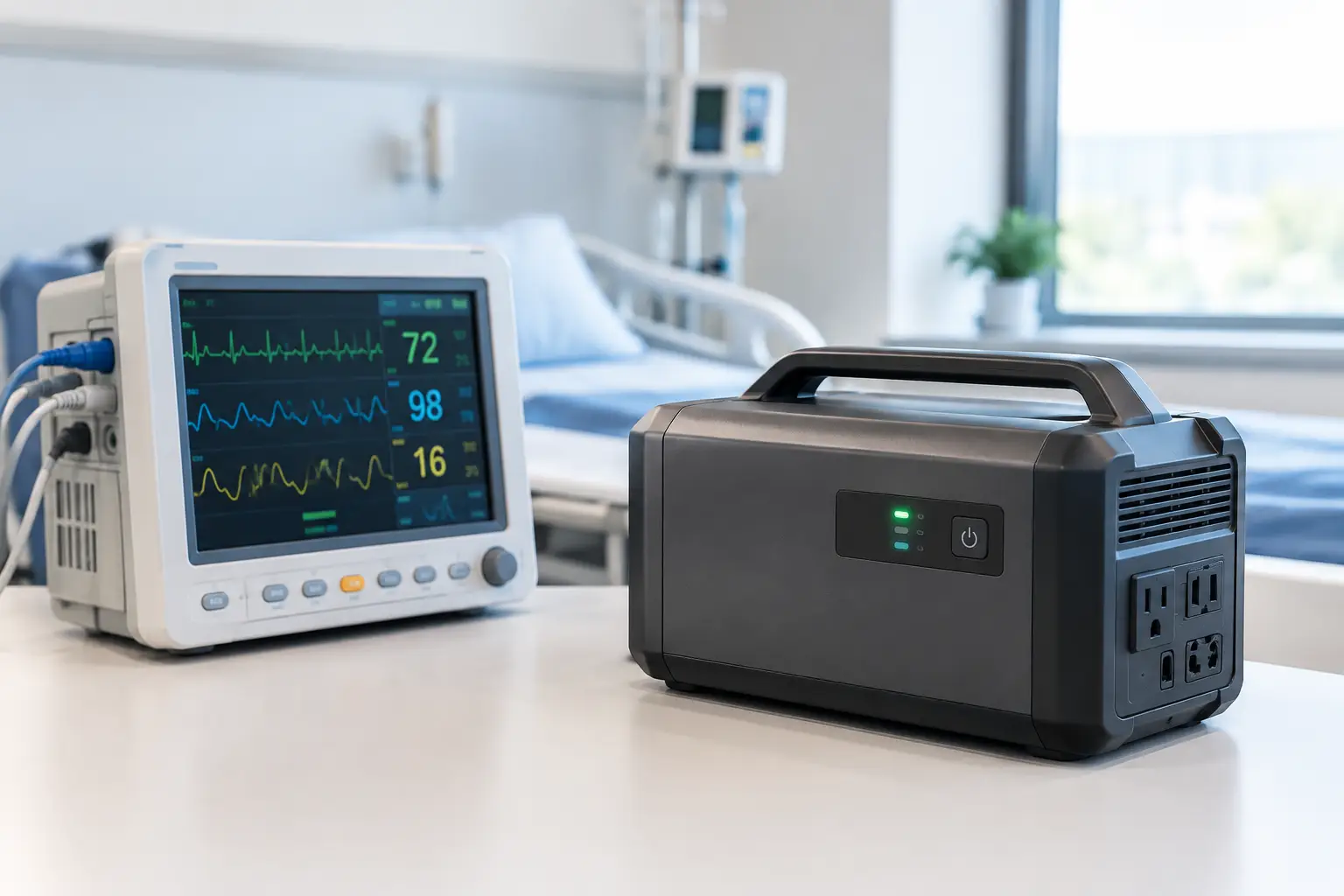
An uninterruptible power supply, commonly called a UPS, is often the first layer of protection for a home office. It plugs into the wall and provides immediate battery power when the utility fails. That instant transfer can prevent a desktop computer from shutting down and keep a modem, router, and monitor running through brief interruptions.
For remote workers, a UPS is valuable even when a generator is part of the plan. Standby generators typically restore power automatically within seconds, but a UPS bridges that gap so computers and networking equipment do not reboot. It also helps protect sensitive electronics from voltage fluctuations.
The trade-off is runtime. A typical UPS is designed to provide minutes, not days, of power. Portable power stations with larger lithium batteries can run a small office longer, sometimes for several hours depending on the load. They are quiet, require no fuel, and work well for apartment dwellers or people who only need to support a laptop and communications equipment.
Battery systems become less practical when you need central heating, air conditioning, a well pump, major appliances, or multi-day coverage. Recharging them during an extended outage also becomes a concern. For short outages, though, they provide a clean and simple first line of defense.
Portable Generators: Flexible, but Hands-On
A portable generator can power selected appliances and office equipment at a lower initial cost than a permanently installed system. Inverter generators are particularly appealing for remote work because they are generally quieter and produce cleaner power for electronics than many conventional portable units.
This option works best for homeowners who experience occasional outages, have a safe outdoor operating location, and are comfortable managing the equipment themselves. You will need to store fuel properly, move the generator into position, start it, connect approved cords or a professionally installed transfer switch, and monitor it throughout the outage.
That hands-on requirement is the key limitation. An outage may begin overnight, while you are away, or during severe weather. A portable generator cannot protect your workday if nobody is available to set it up. Fuel can also become difficult to find during a widespread storm, and gasoline has a limited storage life.
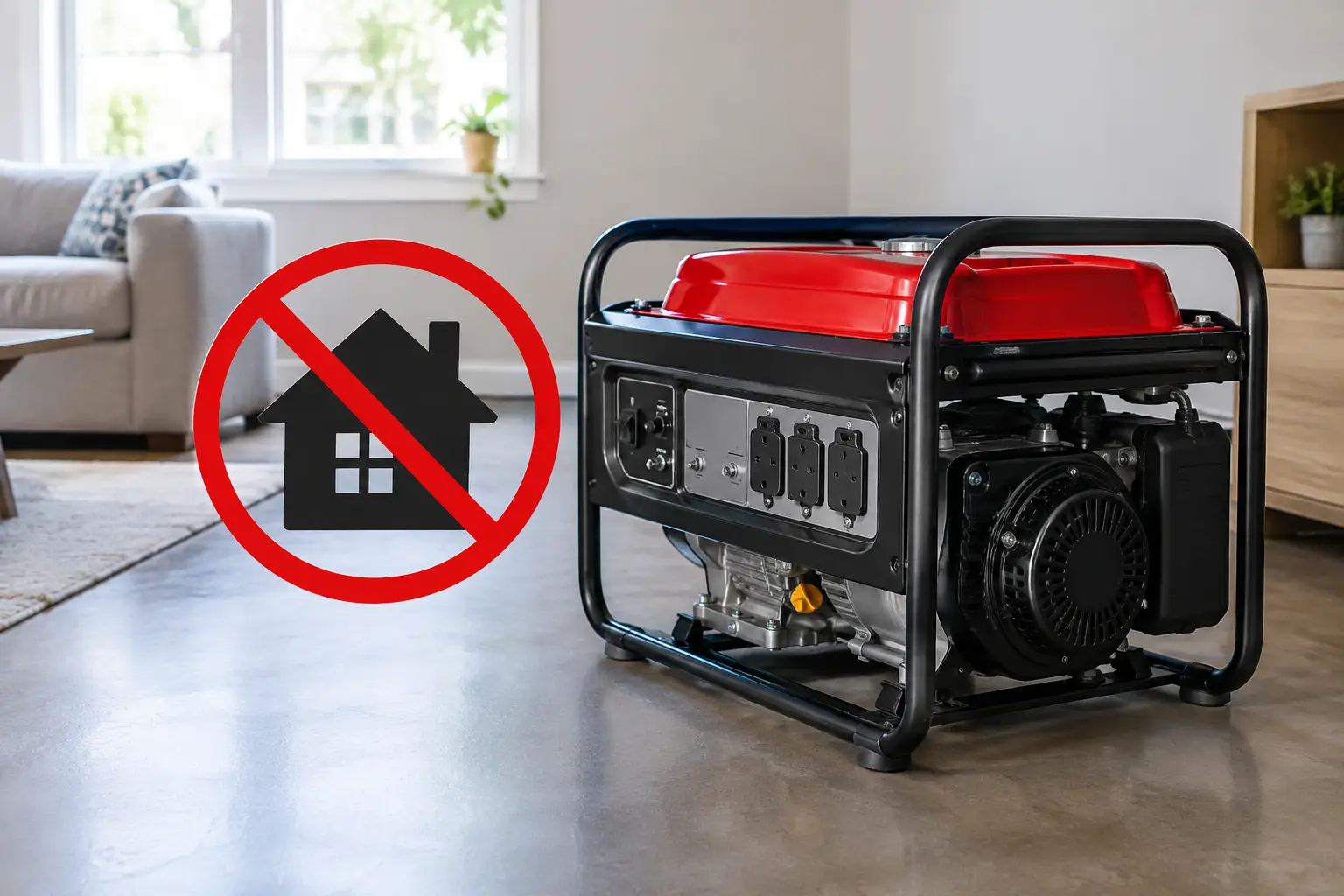
Safety cannot be treated as an afterthought. Portable generators must operate outdoors, far from doors, windows, vents, and attached garages because carbon monoxide can be deadly. They should never be connected directly to a home outlet. Backfeeding can endanger utility workers, damage equipment, and violate electrical code. A properly installed transfer switch is the safe way to connect a portable generator to selected household circuits.
Best Generator Options for Remote Workers Who Need Certainty
For remote workers whose income, responsibilities, or household needs cannot pause for an outage, an automatic standby generator is often the strongest long-term solution. These systems are installed outside the home and connected to a natural gas line or propane supply. When utility power fails, the generator detects the outage, starts automatically, and transfers the home to backup power.
That means no hauling equipment through rain, no searching for gasoline, and no guessing whether your office will be powered before the next meeting begins. When utility power returns, the system transfers back and shuts down automatically.
A standby generator can be configured in two main ways. A whole-home system is sized to support most or all household circuits, allowing life and work to continue with minimal disruption. This is a strong fit for households with central HVAC, well pumps, electric cooking, multiple refrigerators, smart-home systems, or medical equipment.
A managed-load or essential-circuit system supports priority equipment instead. It may cover the home office, internet equipment, refrigerator, lighting, furnace or boiler controls, sump pump, and selected outlets while leaving high-demand loads off. This approach can reduce project cost and fuel demand, but it requires clear decisions about what matters most during an outage.
The best configuration depends on your electrical demand, fuel availability, local code requirements, and expectations for comfort during an outage. A small unit that is overloaded will not deliver the reliability you are paying for. An oversized unit may add unnecessary cost. Accurate sizing is where experienced design and installation make a difference.
Fuel Choice Matters More Than Many Buyers Expect
Natural gas is convenient for many homes because it does not require routine refueling and can support extended outages as long as utility gas service remains available. For remote workers in suburban and urban areas, that continuous fuel supply is a major advantage.
Propane is a reliable alternative where natural gas is unavailable. It can provide excellent runtime when paired with a properly sized tank, but the fuel supply must be planned around expected loads and the length of outages in your area. A generator that runs only the office and essential circuits uses fuel differently than one carrying whole-home air conditioning and electric appliances.
Diesel is more common for larger commercial applications, while gasoline is typically associated with portable generators. Each fuel has storage, maintenance, cost, and availability considerations. The right answer should be based on your property and the protection you need, not a one-size-fits-all recommendation.
Do Not Overlook Internet and Transfer Equipment
Generator power alone does not guarantee a productive home office. Your network equipment should be on a UPS so it stays live during the transition to generator power. If your primary internet service is unreliable during local outages, a cellular hotspot with a separate battery source can provide a useful secondary connection.
For a standby generator, the automatic transfer switch is just as important as the generator itself. It safely isolates your home from the utility, senses outages, and restores power to the selected circuits. Load-management controls may also be needed to prevent high-demand appliances from starting at the same time.
This is not a place to cut corners with unclear quotes or improvised electrical work. Permits, gas connections, electrical installation, placement requirements, startup testing, and code compliance all affect whether the system works safely when conditions are at their worst.
Plan for Service After Installation
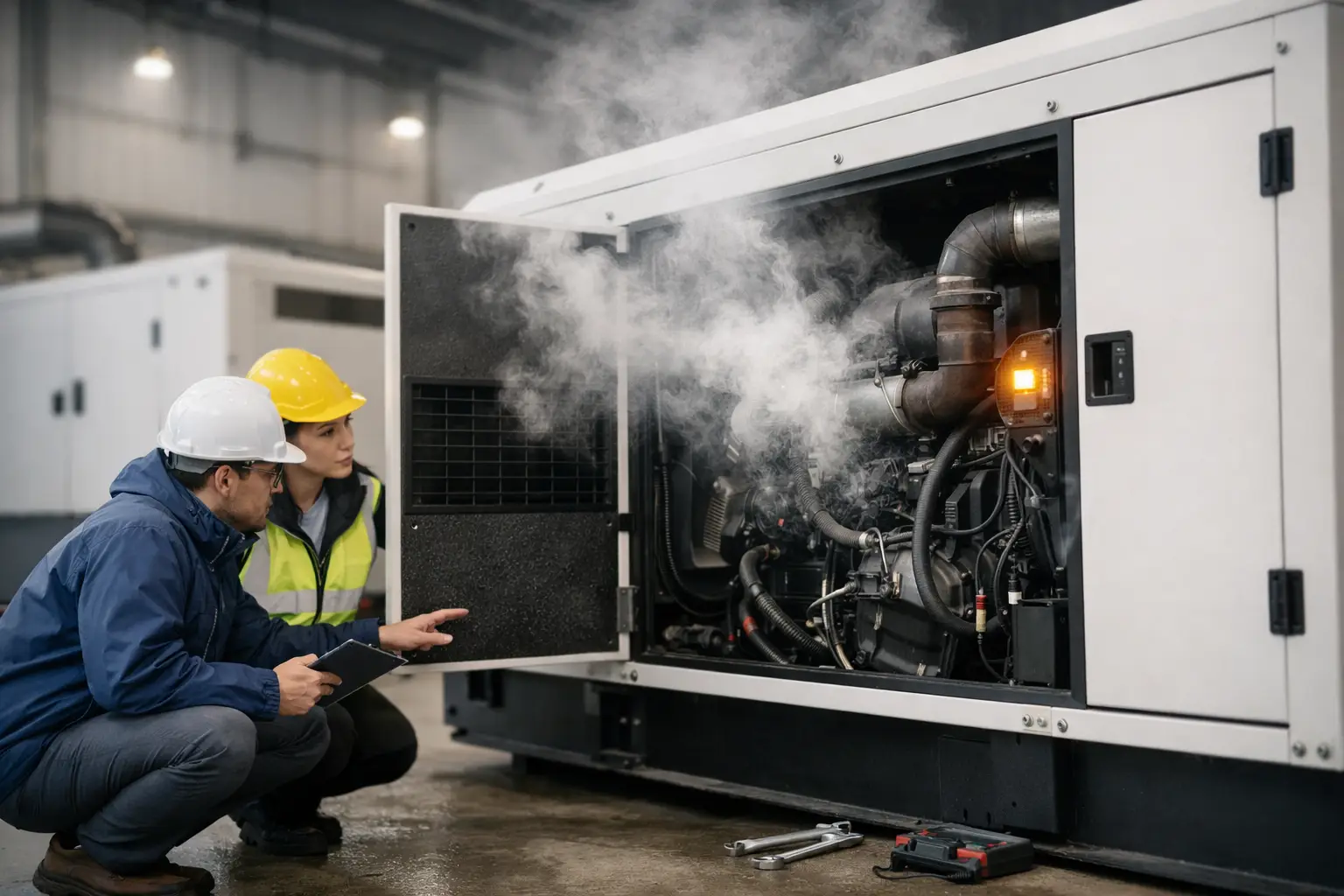
A generator is not a buy-it-and-forget-it appliance. It needs scheduled exercise, oil and filter service, battery checks, inspections, and testing under load. Remote monitoring can alert a service team to certain faults before an outage exposes them.
Choose an installer that remains accountable after commissioning. GenTek Power approaches standby power as a complete service relationship, handling system planning, installation, testing, and ongoing support so homeowners are not left sorting out problems when a storm is already underway.
The most useful backup power system is the one that starts without a scramble, supports the work and household essentials you rely on, and receives the care needed to remain ready. Before your next outage tests your setup, take inventory of the circuits, devices, and responsibilities that cannot go dark.